
Online Church Directory Instructions
Our online directory is a source of contact information, a way to seek and offer mutual aid, and a guide to the membership of our congregation’s committees and teams.
To access the directory, you must already have your name and email address listed in the directory. Email office@firstparishnorwell.org to make sure that your correct name and email address are included.
Logging in to the Directory
Make sure that your name and address are already included in the directory by emailing office@firstparishnorwell.org.
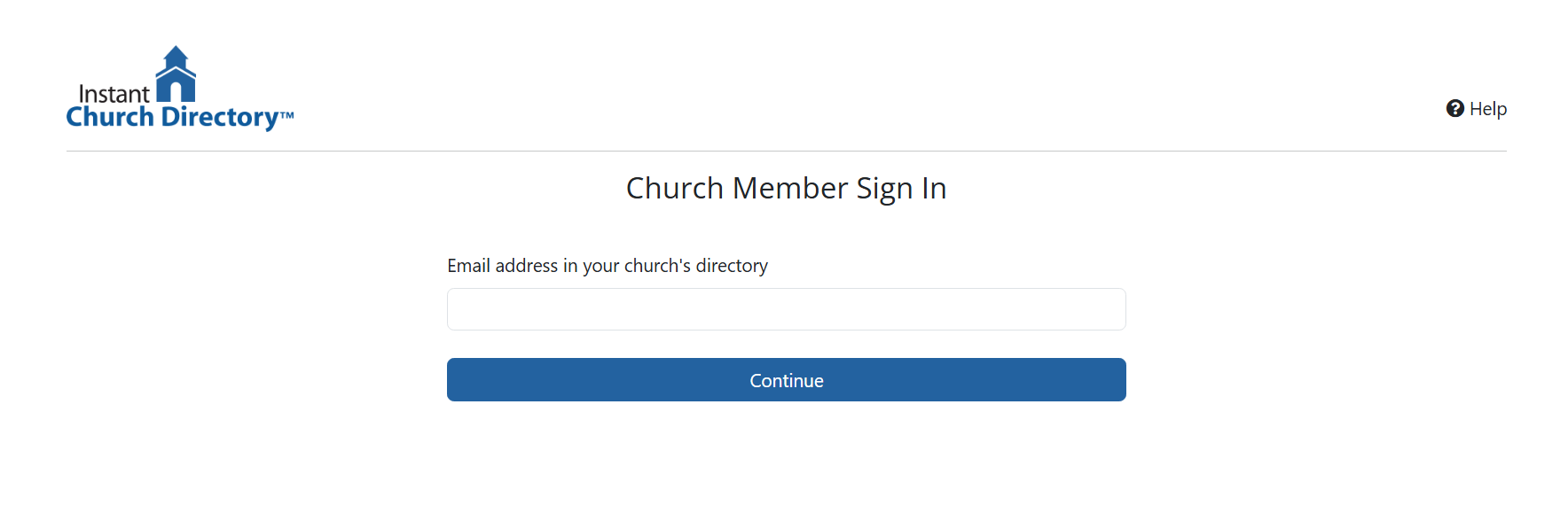
Visit instantchurchdirectory.com and use the email address that is included in the directory as your login.
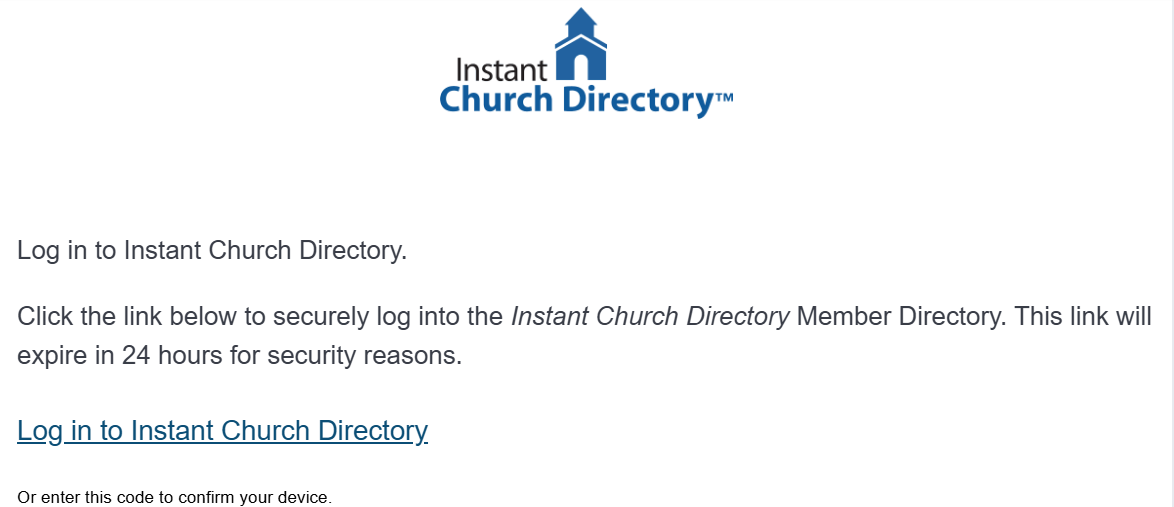
Because of the need for security around our community’s contact information, the directory uses two-factor authentication. You will get an email (like the one in the image on the right) sent to the address you used to log in, and that email will allow you to access the directory (by using a code or clicking on a link).
You will now be logged in to the online directory.
Making Changes in the Directory
You can make edits to the names and contact information of your family by clicking on the blue edit symbol.
To make changes to your “Group” listings - for purposes of mutual aid or committee membership listing - please email office@firstparishnorwell.org and describe the changes needed.
Mutual Aid and Committee Membership
In the menu options at the left of the top blue bar, one of the choices is GROUPS - clicking that will take you to a long list of groups.
All committees, action teams and church groups are listed here - you can click on one to see the names and contact information of members.
Scrolling down to the “Mutual Aid” section will show the people who have offered to be contacted for many different types of mutual aid - click on one to see who can help and how to contact them.
If you would like to be added or removed from a committee listing or from a mutual aid listing, please contact office@firstparishnorwell.org.